



WPS Office v18.22 MOD APK (Premium Desbloqueado)
Kingsoft Office Software Corporation Limited
111M
4.1 y superior

Mod Info:
- Funciones Premium / de pago desbloqueadas;
- Login via account required;
- Desactivado / Eliminado Permisos no deseados + Receptores + Proveedores + Servicios;
- Gráficos optimizados y alineados con zip y recursos limpios para una carga rápida;
- Anuncios Permisos / Servicios / Proveedores removidos de Android.manifest;
- Enlaces de anuncios eliminados y métodos de invocación anulados;
- Visibilidad de los anuncios desactivada;
- Google Drive cloud broken;
- Comprobación del paquete de instalación de Google Play Store desactivada;
- Código de depuración eliminado;
- Elimina el nombre por defecto de las etiquetas .source de los archivos java correspondientes;
- Analytics / Crashlytics / Firebase desactivado;
- Se ha eliminado por completo el SDK incluido en los anuncios de Facebook;
- Idiomas: Full Multi Languages;
- CPU: armeabi-v7a, arm64-v8a;
- PPP de pantalla: 120 ppp, 160 ppp, 240 ppp, 320 ppp, 480 ppp, 640 ppp;
- Original package signature changed.
Descripción
WPS Office-PDF, Word, Sheet
INTRODUCCIÓN
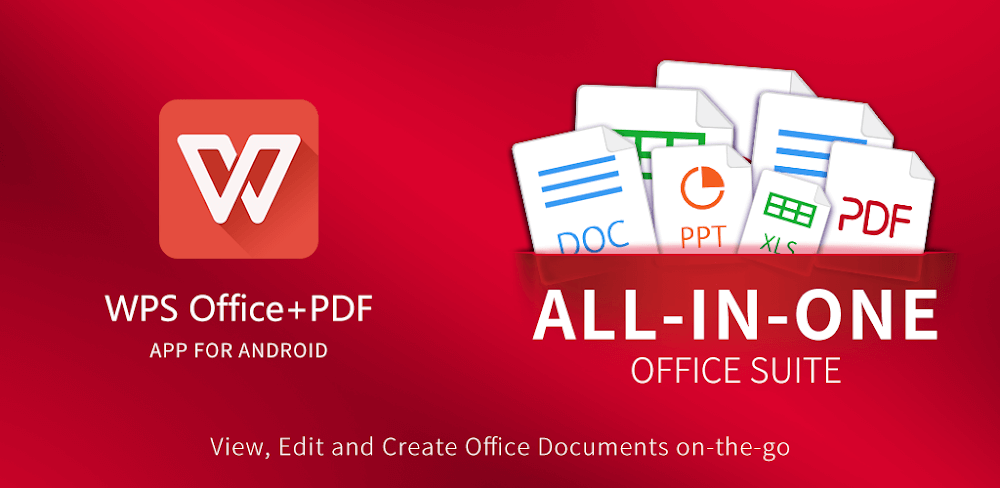
WPS Office is a feature-rich productivity app designed specifically for Android users who need a reliable, mobile-friendly office suite. Unlike bulky desktop software, WPS Office brings the full power of document creation, editing, and collaboration directly to your smartphone or tablet. For Android users who are constantly on the move—students, professionals, or entrepreneurs—this app eliminates the need to switch between multiple tools. It combines word processing, spreadsheets, presentations, and PDF management into one seamless platform.
With over 500 million downloads on the Google Play Store, WPS Office has become one of the most trusted office apps for Android. Its lightweight design, AI-powered features, and offline capabilities make it a must-have for anyone who values productivity on the go.
ALL-IN-ONE OFFICE SUITE
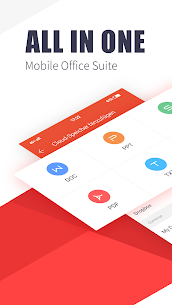
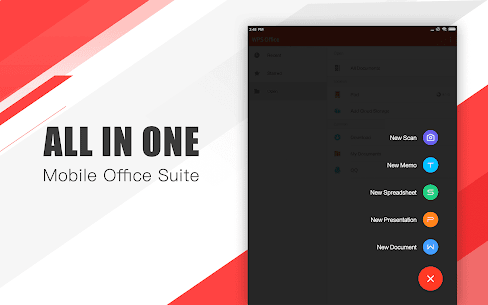
One of the biggest advantages of WPS Office on Android is its all-in-one functionality. Instead of juggling multiple apps, users can handle everything in a single platform.
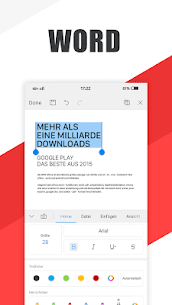
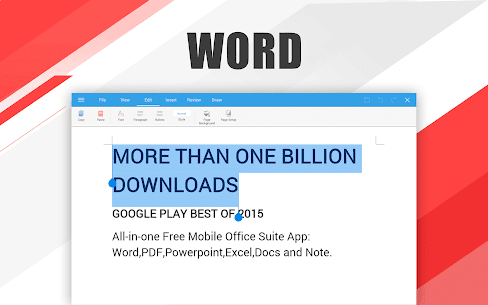
- Word Processing: Create, edit, and format documents with advanced tools that rival desktop software.
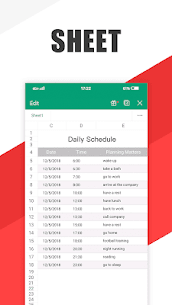
- Spreadsheets: Manage data, apply formulas, and generate charts with ease.
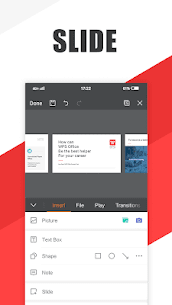
- Presentations: Build professional slideshows with animations and templates.
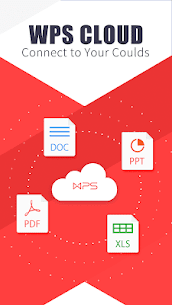
- Integración en la nube: Sync files across devices using WPS Cloud, Google Drive, Dropbox, or OneDrive.
This integration saves storage space and ensures that Android users can work efficiently without switching between apps. Whether you’re drafting a report, analyzing data, or preparing a pitch deck, WPS Office keeps everything in one place.
AIGC AND REWRITING
WPS Office for Android goes beyond traditional editing by integrating AI-Generated Content (AIGC) and rewriting tools. These features are designed to help users save time and improve the quality of their work.
- Smart Rewriting: Instantly rephrase sentences or paragraphs to make them clearer, more concise, or more professional.
- AI Suggestions: Receive grammar corrections, tone adjustments, and style improvements.
- Content Generation: Draft outlines, summaries, or even full sections of text with AI assistance.
For Android users who often write emails, reports, or academic papers on the go, these AI-powered tools are game changers. They reduce the effort of manual editing and ensure polished results in just a few taps.
POWERFUL PDF TOOLS
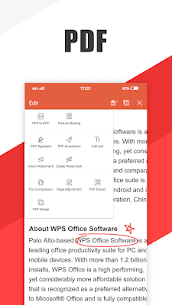
PDFs are essential for professionals and students alike, and WPS Office offers one of the most comprehensive PDF toolkits available on Android.
- PDF Reader: Smooth reading experience with zoom, night mode, and annotation support.
- PDF Converter: Convert PDFs to Word, Excel, or PowerPoint, and vice versa.
- PDF Editor: Add text, images, or signatures directly within the file.
- PDF Compression: Reduce file size without compromising quality, perfect for email attachments.
Unlike many standalone PDF apps, WPS Office integrates these tools directly into its suite, eliminating the need for extra downloads. This makes it a one-stop solution for Android users who frequently handle PDF documents.
AI-POWERED OCR
Another standout feature of WPS Office on Android is its AI-powered Optical Character Recognition (OCR). This tool allows users to extract text from images or scanned documents with impressive accuracy.
- Image-to-Text Conversion: Take a photo of a printed page and instantly convert it into editable text.
- Multi-Language Support: Recognizes text in multiple languages, making it useful for global users.
- Productivity Boost: Save time by avoiding manual typing when digitizing notes, receipts, or contracts.
For Android users who rely heavily on their phone’s camera, OCR transforms WPS Office into a powerful document digitization tool. It’s especially useful for students capturing lecture notes or professionals scanning business documents.
COLLABORATIVE EDITING
In today’s mobile-first world, collaboration is just as important as creation. WPS Office for Android makes teamwork seamless with its collaborative editing features.
- Real-Time Collaboration: Share documents with colleagues and edit together simultaneously.
- Commenting and Suggestions: Add notes, highlight sections, and provide feedback without altering the original text.
- Sincronización entre dispositivos: Start editing on your Android phone and continue on your tablet or desktop.
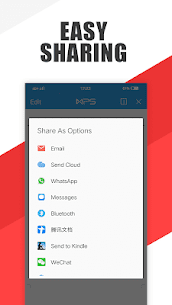
- Secure Sharing: Control permissions to ensure sensitive files remain protected.
These features make WPS Office an excellent choice for remote teams, students working on group projects, or professionals who need to collaborate while traveling.
TAMBIÉN TE PUEDE GUSTAR:
CONCLUSIÓN
WPS Office for Android is more than just a mobile office app—it’s a complete productivity ecosystem. By combining word processing, spreadsheets, presentations, and advanced PDF tools with AI-powered features like rewriting and OCR, it delivers unmatched convenience for Android users.
Its lightweight design ensures smooth performance even on budget smartphones, while its collaborative editing tools make it ideal for both individual and team use. Whether you’re a student, freelancer, or business professional, WPS Office empowers you to work smarter, faster, and more efficiently—all from the palm of your hand.
In a crowded market of office apps, WPS Office stands out as the ultimate all-in-one solution for Android productivity. If you want to maximize your efficiency without sacrificing quality, this app deserves a permanent spot on your device.
Imágenes

Vídeo
Aplicaciones relacionadas





Últimas actualizaciones
-
 eEagle VPN v2.11.1 MOD APK (Premium desbloqueado)EAGLE VPN LIMITED
 -
 Lucky Patcher v11.9.8 APKChelpuS
 -
 OnePlayer v2.3.10 MOD APK (Premium desbloqueado)Herramientas Dovi
 -
 GreenTuber v0.1.8.3 MOD APK (Premium Desbloqueado)Maxsortube
 -
 Lupa Plus con linterna v4.8.16 MOD APK (Premium desbloqueado)Digitalchemy LLC
-